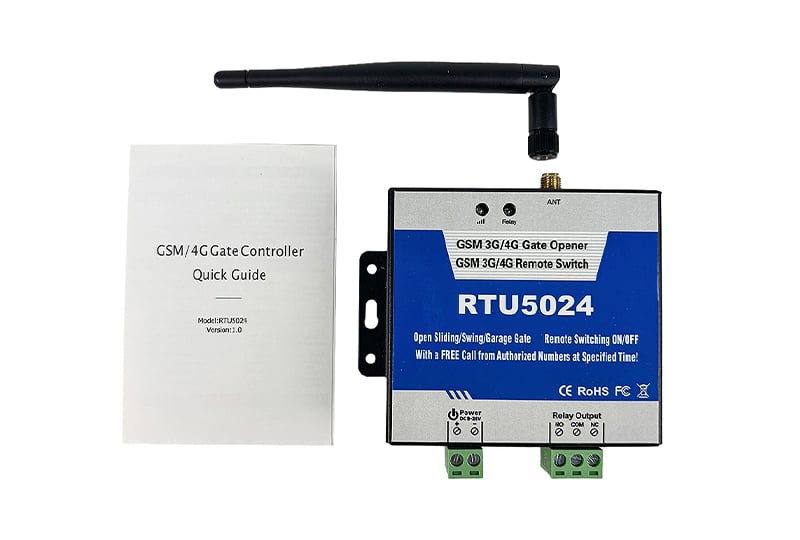
The RTU5024 is not a typical remote switch. It turns any ordinary mobile phone into a key. You do not need the internet. You do not need a mobile app. You do not pay for the call. When an authorized person calls the SIM card number inside the device, the RTU5024 rejects the call instantly. Because the call is never answered, there is no charge. But the action happens immediately. A gate opens. A machine starts. A light turns on. This is remote control at its simplest and most reliable.
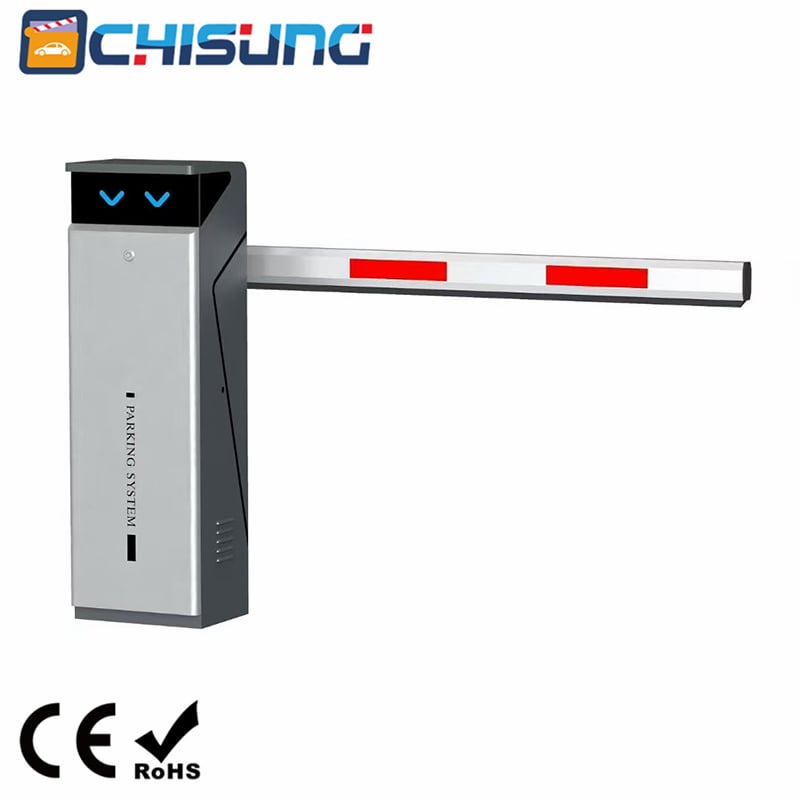
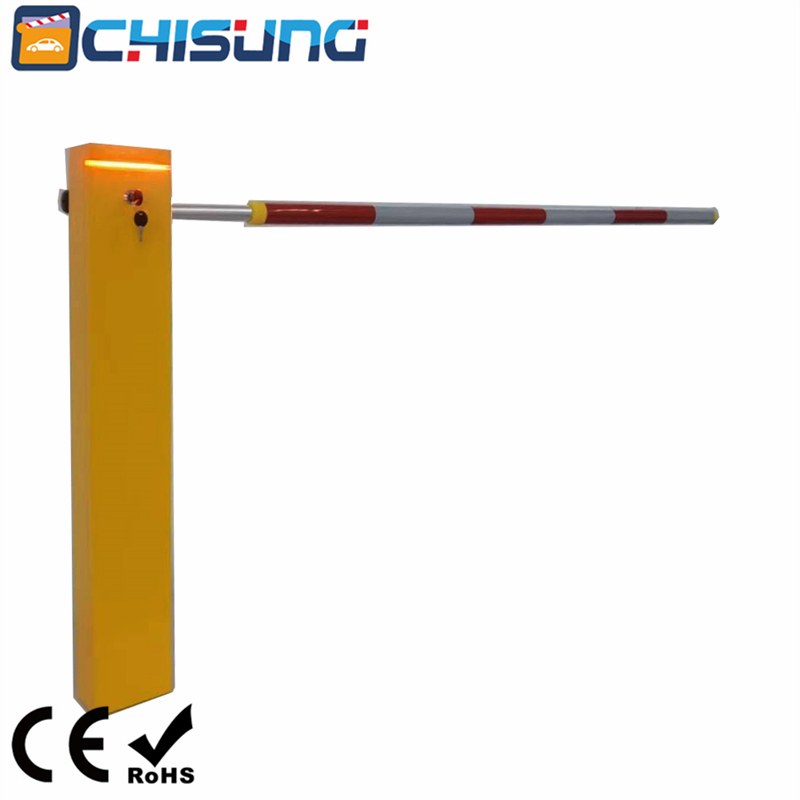
The device works anywhere with GSM network coverage. There is no distance limit. You can be in another country and still open your garage door. Farmers use it for remote water pumps. Property managers use it for shared driveway gates. Workshops use it to control dust extraction systems. Car parks use it for barrier access. The relay inside the RTU5024 can switch loads up to 3 amps at 240 volts AC, which covers most electric locks, sliding gate motors, boom barriers, and industrial relays.
Imagine you have a rental cottage with a secure gate. The previous tenant moves out. You do not need to change a physical remote control or reprogram anything. You simply send one SMS command to remove their phone number. Then you send another command to add the new tenant's number. The new tenant calls the device, the gate opens, and they pay nothing for the call. This takes less than one minute. No keys to hand over. No remotes to lose.
For a farmer with a water pump in a distant field, the relay hold mode is very useful. You set the relay to stay on until the next call. Call once. The pump starts and runs for hours or days. Call again. The pump stops. You do not need to walk across the field. You do not need a timer. You just need your mobile phone.
All settings are done by sending SMS messages. The default password is 1234. You must change this first. Send 1234#PWD6666#PWD6666# to change your password to 6666. Every command after that will use your new password.
To add an authorized user, you need the full international number including the country code. For a UK number 3408888666, you send 1234#TEL00443408888666#001#. The 0044 is the UK country code. The 001 is the storage position. The device can store up to 200 authorized numbers.
To remove a user, send 1234#TEL#012# to delete the number stored in position 12. You can also overwrite any position by sending a new number to the same slot.
To check which number is stored in position 002, send 1234#TEL002? The device will reply with the number or say it is empty.
Calls are not the only way to control the RTU5024. You can also send SMS commands to turn the relay on or off directly. Send 1234#ON# and the relay closes immediately. Send 1234#OFF# and the relay opens. This is perfect when you want to start a machine at a specific time or check that something is running.
By default, the relay closes for half a second. This is fine for most electric gates and door strikes. But sometimes you need longer. The GOT command changes this. The number you send is doubled to give the time in seconds. Send 1234#GOT10# for a 5 second relay closure. Send 1234#GOT01# for half a second. Send 1234#GOT00# for a special mode. In this mode, the relay stays closed until the next authorized call. This toggles the relay on and off with each call. It is ideal for leaving a machine running for a long time.
To check the current setting, send 1234#GOT?
By default, only authorized numbers can control the device. This is the AU mode. If you want anyone to be able to call and trigger the relay, send 1234#AA#. This is useful for a public delivery gate but not recommended for private security. You can check which mode is active by sending 1234#AC? The device will reply with the current access setting.
The device can send you an SMS every time the relay changes state. Send 1234#R# to enable this. When someone calls and the relay operates, you will receive a message saying Relay ON operated by the caller's number. Send 1234#N# to disable this if you do not want the extra messages. Send 1234#M? to check whether return SMS is on or off.
Before you mount the RTU5024 in its final location, check the signal strength. Send 1234#CSQ? The device replies with a number between 0 and 31. If the number is below 12, the connection may be unreliable. Below 8, it will probably fail. Above 16 is excellent. If the signal is weak, you can install an external GSM antenna. Sometimes changing to a different mobile network operator gives a much better signal.
The RTU5024 needs a stable 12 volt DC power supply rated at 1 amp. Connect the positive wire to the terminal marked plus and the negative wire to the terminal marked minus. The relay output has three terminals. NO is normally open. COM is common. NC is normally closed. For most gates and locks, you connect between NO and COM. When the relay activates, the circuit closes and the gate opens. If you need a circuit that opens when the relay activates, use NC and COM instead.
Mount the unit in a hidden, dry place where it cannot be reached by children or visitors. Keep it away from water and direct heat. The GSM antenna should be positioned vertically for best reception.
The RUN LED tells you the network status. If it flashes quickly once per second, the device is registering to the cellular network. If it flashes slowly every two seconds, the device is working normally. If it is off, the SIM card is not connected or the device is not registered on the network. The relay LED lights up whenever the relay is active.
Commands must be written in capital letters. PWD is a command. pwd is not accepted. Do not add spaces. Do not use extra characters. The hash symbol must be typed in English or digital input mode. If the device replies with Command error, check your capital letters and remove any spaces.
Always include the country code when adding authorized numbers. If the device does not recognise your commands, try adding the country code to your own phone number when you send the SMS.
If you cannot receive return SMS messages, this is often a network operator issue. Try enabling return SMS with the R command and make sure the first user number includes the full international code.
If you need to start over, send 1234#RESET#. The device will reply with Reset Success and ask you to reboot. You can also press the reset button next to the SIM card holder. Hold it for several seconds until the RUN LED stays on continuously.
The RTU5024 is a mature, proven product. It does not rely on cloud servers that can shut down. It does not need a monthly subscription. It does not require an internet connection. It just needs a working SIM card and a mobile network. For anyone who wants simple, reliable, no-cost remote switching, this is an excellent choice. Keep a written list of your authorized numbers. Test the signal before permanent installation. Change the default password immediately. After that, you will have years of trouble free operation.
 Hot News
2026-03-11
Copyright © 2026 Chisung Intelligence Technology (Shenzhen) Co., Limited All rights reserved. - Privacy policy
 EN
EN